More and more offices are looking to go paperless. Some are looking to free up much-needed space, others to modernise, better ensure compliance, or improve their sustainability and lessen their carbon footprint. Whatever the reason, there are many benefits to becoming a paperless office.
The most difficult step in any project, especially a big project like going paperless, is the first: getting your team and resources organised and getting the ball rolling. This is the most labour-intensive part of the process with the planning, the brainstorming, the researching, etc. Tedious as it may be, it will be worth it. To help make this easier, here are some simple ways to fast-track a paperless office.
Removing Paper in the Office
Obvious as this step is, many companies fail to remove paper from their offices effectively. Completely stopping the use of paper throughout the office may not be possible for all businesses, but there are many steps you can make to bring you closer to a paperless office:
- Have reusable cups available instead of paper/plastic coffee cups. You could also have reusable plates, bowls, and cutlery to encourage staff to bring in lunch rather than buying it and creating waste with packaging.
- Get rid of printers, copiers, and fax machines in the office. Getting rid of these will discourage the use of paper. If there must be a printer in the office, remove desk printers and install a centralised printer instead to minimise printing where possible. Software is available to convert incoming faxes to email if you still use fax.
- If you provide receipts or any other paperwork to customers, these can be replaced with e-receipts and digital paperwork sent directly to the relevant email.
Have awareness programmes which encourage staff to stop using paper products and promote best recycling practices.
Digitisation
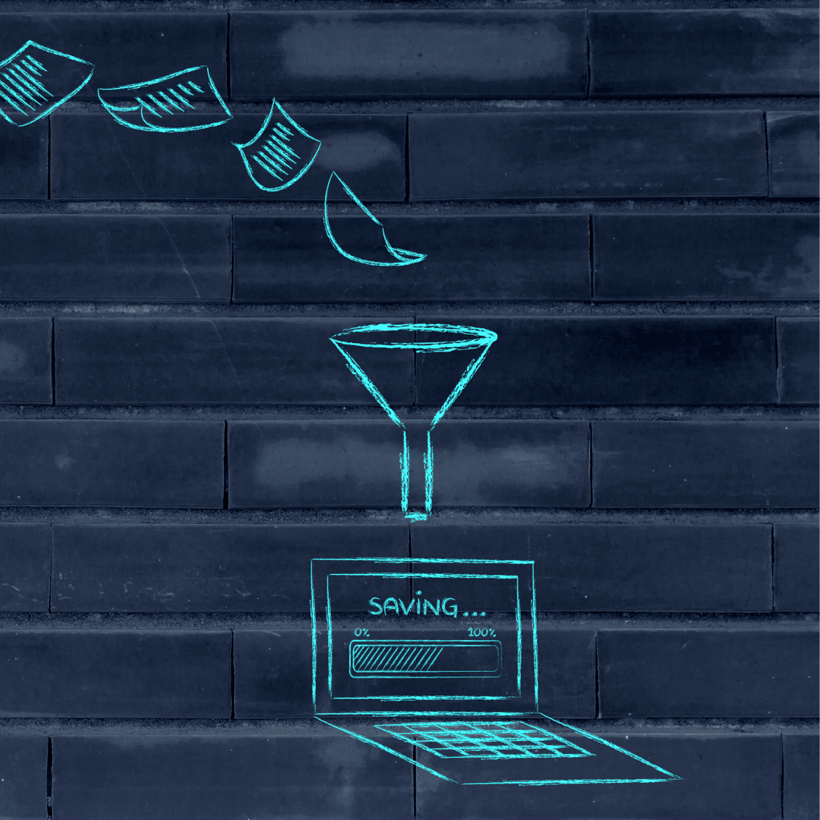
A simple yet effective way to get closer to a paperless office is to scan and digitise already existing files and documents. Any future documents can be created online so the scanning itself can eventually be eliminated. Now a scanning project like this would be difficult to do in-house. It would take up resources and time that a business may not be able to spare. To digitise all existing documents would require selected staff to spend the entirety of their time scanning and uploading documents. This is a tedious admin-heavy task, which would cause other aspects of the employees’ work to suffer. You would also have to have and be trained in the correct, expensive equipment. So, how can your office start digitising effectively?
Outsourcing this huge task would save significant time, energy, and resources. With companies like Kefron, this is made easy. Kefron has a scanning bureau, full of dedicated and well-trained staff. We use 3 different scanners: the Kodak i5000 Series Scanner, Opex Falcon Red Scanner, and IQ Quattro 4400 Scanner. We provide the latest technologies and best practice techniques so no matter the document it will be digitised. Once captured, documents are put through our optical character recognition (OCR) technology so that text is fully searchable, and errors are flagged instantly and dealt with effectively by the scanning bureau team.
Document Management
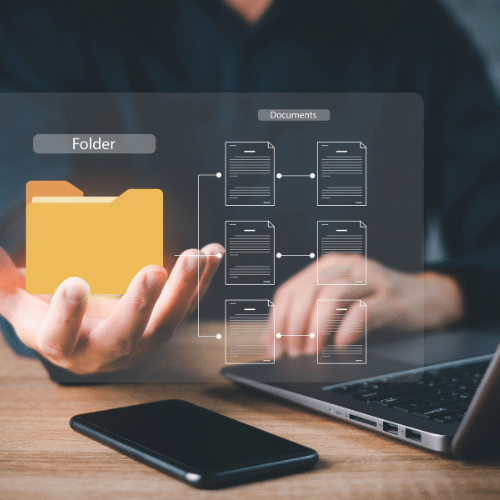
Once digitised, this paperwork has to be uploaded somewhere to be accessible. An easy solution is to use a Document Management (DM) software. There is a range of features that any DM system should have:
- Easy and Secure Access: Any DM solution should allow you to locate files quickly. Once you have internet access any file can be pulled up with the click of a button or two. Not having to shuffle through piles of paper saves a significant amount of time and paper! No matter where you are, you can access all of your documents. Additionally, the appointed company administrator should be able to assign access based on roles, to ensure that no one can view and/or edit something they shouldn’t, better ensuring compliance with GDPR and any NDAs.
- Collaboration: Since you can access documents so long as you’re connected to the internet, you can collaborate with your team, whether you’re physically in the office or not! Files can also be shared, without having to create duplicates (i.e., scan and reprint) and hand them out physically. This streamlines the whole process and allows for remote working which is becoming an increasingly popular option amongst office workers.
- Ensures Compliance: A DM solution will track your documents every step of the way – it will maintain and provide a full audit trail. This ensures your document storage is fully audit-compliant. The fact that access is restricted based on one’s role means that GDPR is complied with, as people cannot view information they shouldn’t. Physical paper can be very easily lost or misplaced, leading to a breach of GDPR. This isn’t a problem with DM software. Following information retention legislation is made easier, as mentioned files cannot be misplaced or lost.
Kefron DM is an intuitive system that provides all of this and more! The 3 suggestions explored here are a great starting point for offices to start fast-tracking going paperless. The change will greatly benefit any business, as it gets rid of unseemly and cumbersome file cabinets, saves time, facilitates remote working, encourages better compliance, and is more environmentally friendly. With the easy options above, why wouldn’t you start your journey to a paperless office?
Click here to book a demo if you wish to start your digital transformation journey by storing your digitally captured documents in a secure, purpose-built, searchable repository.